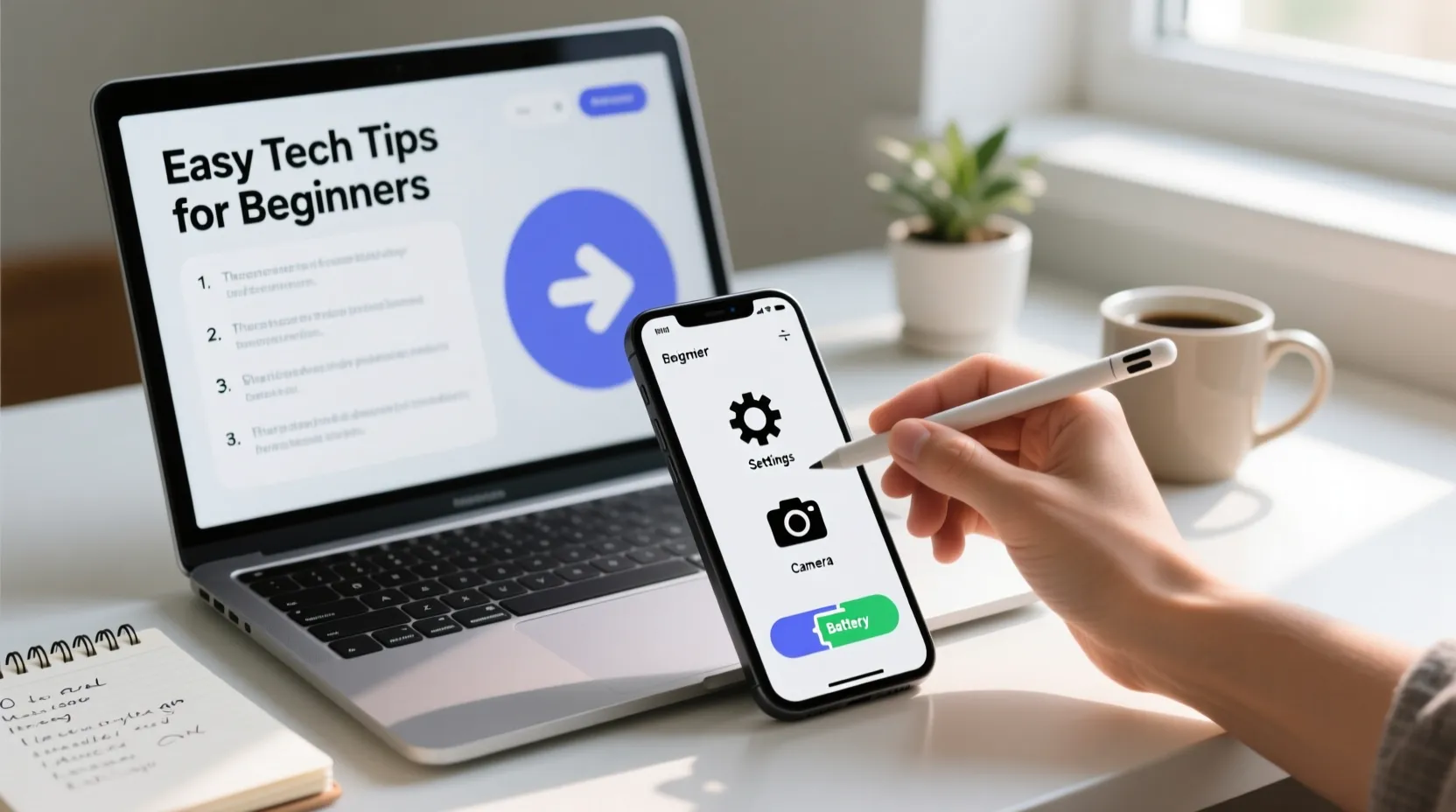
Technology is a big part of our daily lives. Smartphones and laptops help us connect with friends, work, learn, and have fun.
But for beginners, using these devices can feel confusing. Small mistakes can slow us down or make tasks harder than they should be.
The good news is that learning a few easy tech tips can make everything much simpler. In this article, we will explore simple and helpful tips for beginners.
These tips will make using smartphones and laptops easy, safe, and enjoyable.
Keep Your Devices Updated
One of the easiest ways to make your smartphone or laptop work better is to keep it updated. Updates improve your device’s speed and security. Your phone or laptop may remind you to update, and you should not ignore it. Updates also fix small problems and add new features.
Smartphones: Go to Settings → Software Update.
Laptops: Go to Settings → Update & Security (Windows) or System Preferences → Software Update (Mac).
Updating regularly keeps your devices safe from viruses and makes them run smoothly.
Learn Basic Shortcuts
Shortcuts save time and make using devices easier. You don’t need to remember many shortcuts—just a few can make a big difference.
For laptops:
Copy: Ctrl + C
Paste: Ctrl + V
Undo: Ctrl + Z
Switch between apps: Alt + Tab
For smartphones:
- Press the home button or swipe up to return to home
- Swipe down for notifications
- Pinch to zoom in or out
Learning these simple shortcuts will help you work faster and feel more confident.
Organize Your Apps and Files
A messy device can be confusing. Organizing your apps and files makes it easy to find what you need.
On smartphones, group apps into folders (e.g., “Social,” “Work,” “Games”).
On laptops, create folders for documents, pictures, and videos.
Delete apps and files you do not need.
A clean device not only looks better but also works faster. You will spend less time searching for things and more time doing what you enjoy.
Protect Your Devices and Data
Safety is very important. Smartphones and laptops store personal information. Protecting them keeps your data safe.
Use strong passwords and avoid easy ones like “123456” or “password.”
Enable fingerprint or face recognition if your device supports it.
Install antivirus software on laptops.
Be careful with public Wi-Fi; use it only when necessary.
Protecting your devices prevents hacking, theft, and unwanted access to your personal information.
Learn Simple Troubleshooting Tips
Devices sometimes stop working or act slowly. Knowing basic troubleshooting can save time and frustration.
For smartphones:
Restart your phone if it freezes.
Clear cache to free up space (Settings → Storage → Clear Cache).
Close apps running in the background.
For laptops:
- Restart the laptop if it becomes slow.
- Check for updates and install them.
- Free up space on the hard drive by deleting unnecessary files.
Learning these small tricks will help you solve common problems without asking for help every time.
Use Cloud Storage
Cloud storage is a safe way to store your files online. It helps you access files from anywhere and keeps them safe if your device is lost or broken.
Popular cloud services: Google Drive, Dropbox, iCloud.
Save documents, photos, and videos online.
Organize files in folders for easy access.
Using cloud storage prevents data loss and makes sharing files with friends or colleagues simple.
Adjust Settings for Comfort
Adjusting your device settings makes using them easier and more comfortable.
For smartphones:
Increase text size for better reading.
Enable dark mode to reduce eye strain.
Adjust screen brightness for comfort.
For laptops:
- Change display settings (brightness, text size, night mode).
- Adjust sound volume and keyboard settings.
- Customize desktop background for a pleasant look.
Simple adjustments can make a big difference in your daily use and protect your eyes and hands.
Learn to Search Effectively
Knowing how to search online helps you solve problems and learn new things.
Use clear and simple words in search engines like Google.
Add specific words to find exact answers (e.g., “How to copy files on Windows 10”).
Look for trusted websites for accurate information.
Learning to search effectively saves time and helps you become more independent with technology.
Backup Your Data Regularly
Backing up data is very important. It protects your important files, photos, and documents.
On smartphones, use Google Drive or iCloud for automatic backup.
On laptops, use an external hard drive or cloud storage.
Backup regularly, not just once.
If something goes wrong, a backup ensures that you do not lose valuable information.
Explore and Practice Daily
The best way to get comfortable with smartphones and laptops is to use them every day.
Try new apps and tools slowly.
Practice typing, using shortcuts, and organizing files.
Don’t be afraid to make mistakes; that’s how learning happens.
Daily practice will make you confident, and soon using technology will feel natural and easy.
Conclusion
Smartphones and laptops are powerful tools that make life easier. For beginners, the key is to start simple and use these easy tips. Keep devices updated, organize files, protect your data, and practice every day. Learn shortcuts, troubleshooting tricks, and cloud storage to save time and stay safe. Adjust settings for comfort and search effectively online. By following these small steps, anyone can become comfortable and confident with technology. With patience and practice, using smartphones and laptops will become fun, simple, and stress-free.

Vince is the creative mind behind primejoke.com, bringing laughter, clever wordplay, and fresh humor to every post. With a love for witty jokes, clever captions, and puns that pack a punch, Vince helps readers add a smile to their day one scroll at a time. Whether it's meme-worthy moments or pun-perfect punchlines, Vince keeps it light, fun, and totally shareable.
- Vince

- Vince

- Vince

- Vince

- Vince

- Vince

- Vince

- Vince

- Vince

- Vince